In this project, I will be constructing an animated morph of my face to someone else's face, compute the average face of a population, and I will produce caricatures by extrapolating from this population mean. In order to morph, we will simultaneously warp the image shapes and cross-dissolve the image colors.
To create a "good" morph between two images, we need to define pairs of corresponding points on the two images we want
to morph.
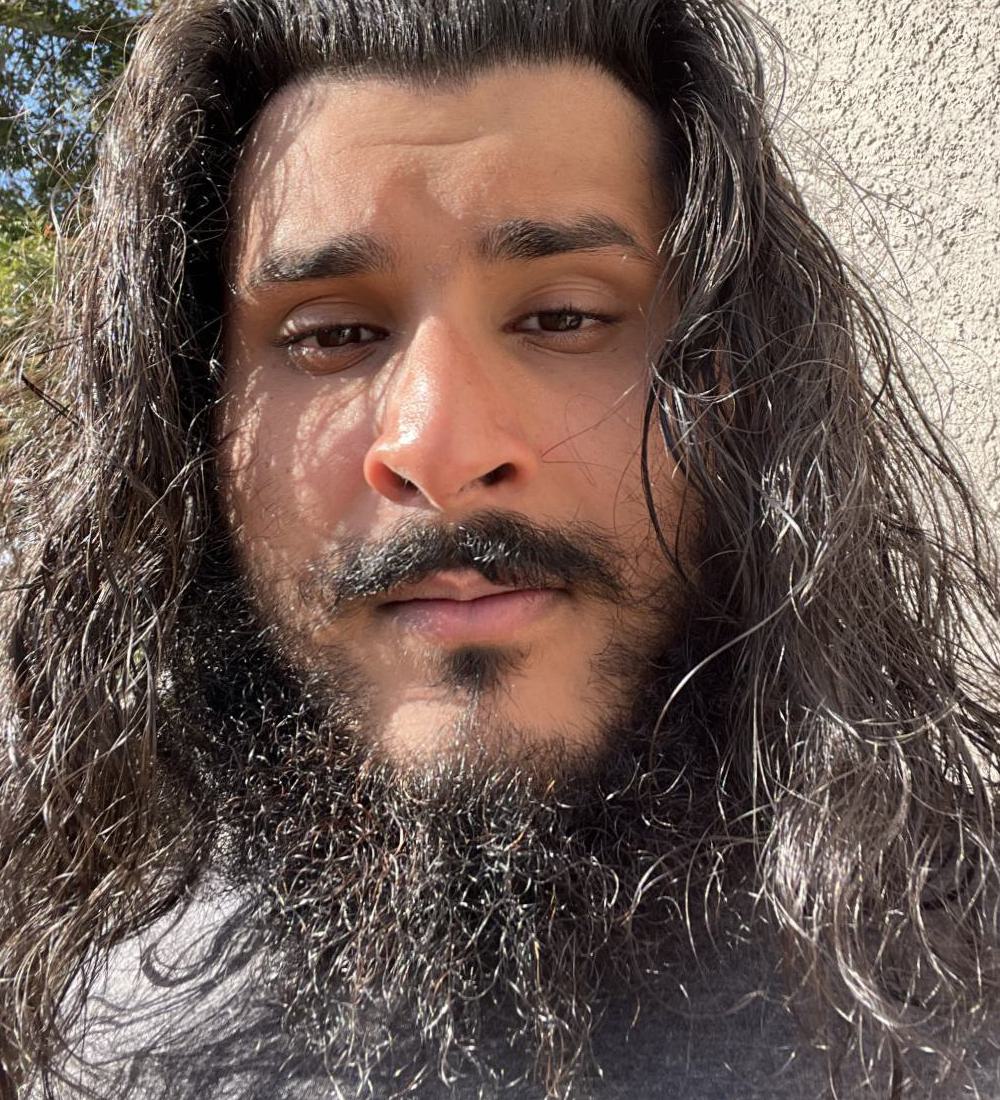
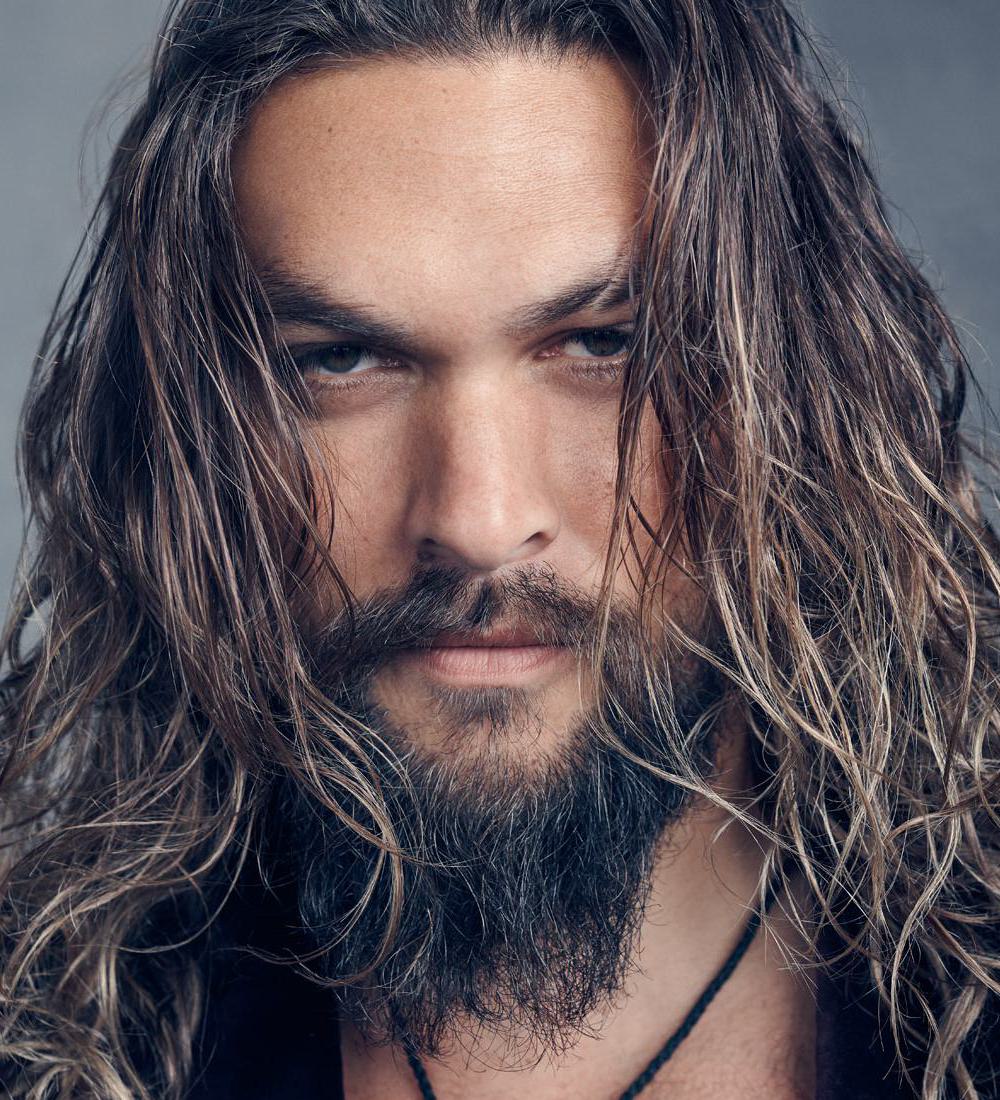
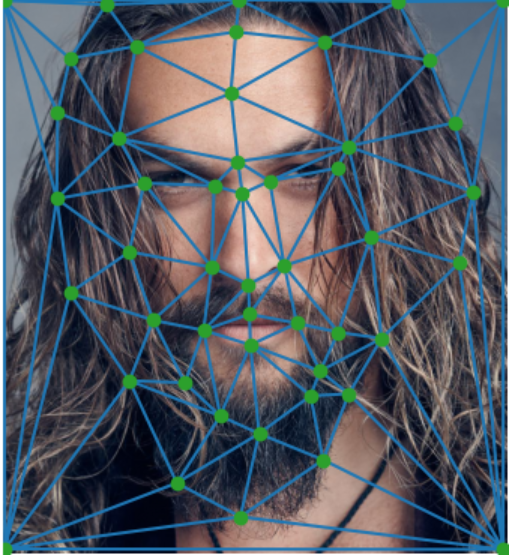
In order to do this, I first aligned and cropped an image of me and Jason Momoa to be the same size and aspect ratio.
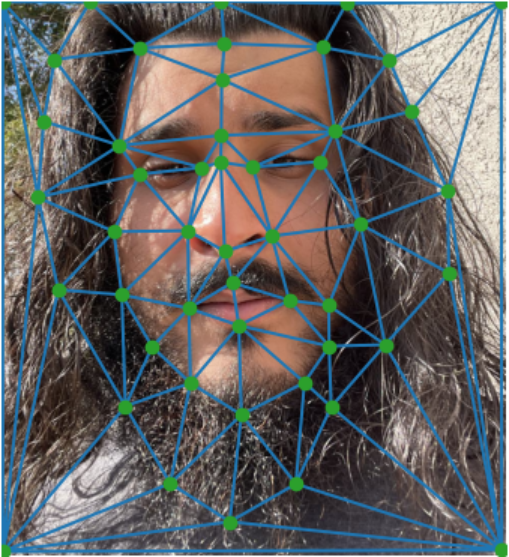
Afterwards, I used the labeling tool provided to select
my correspondence points to link the faces. Once I had the two sets of correspondence points mapping the two images, I computed
the mean of these two sets. Finally I computed a Delaunay triangularization on this midway image to be used for morphing. Using
the midway shape for triangularization lessens potential triangle deformations.
Here are the results:
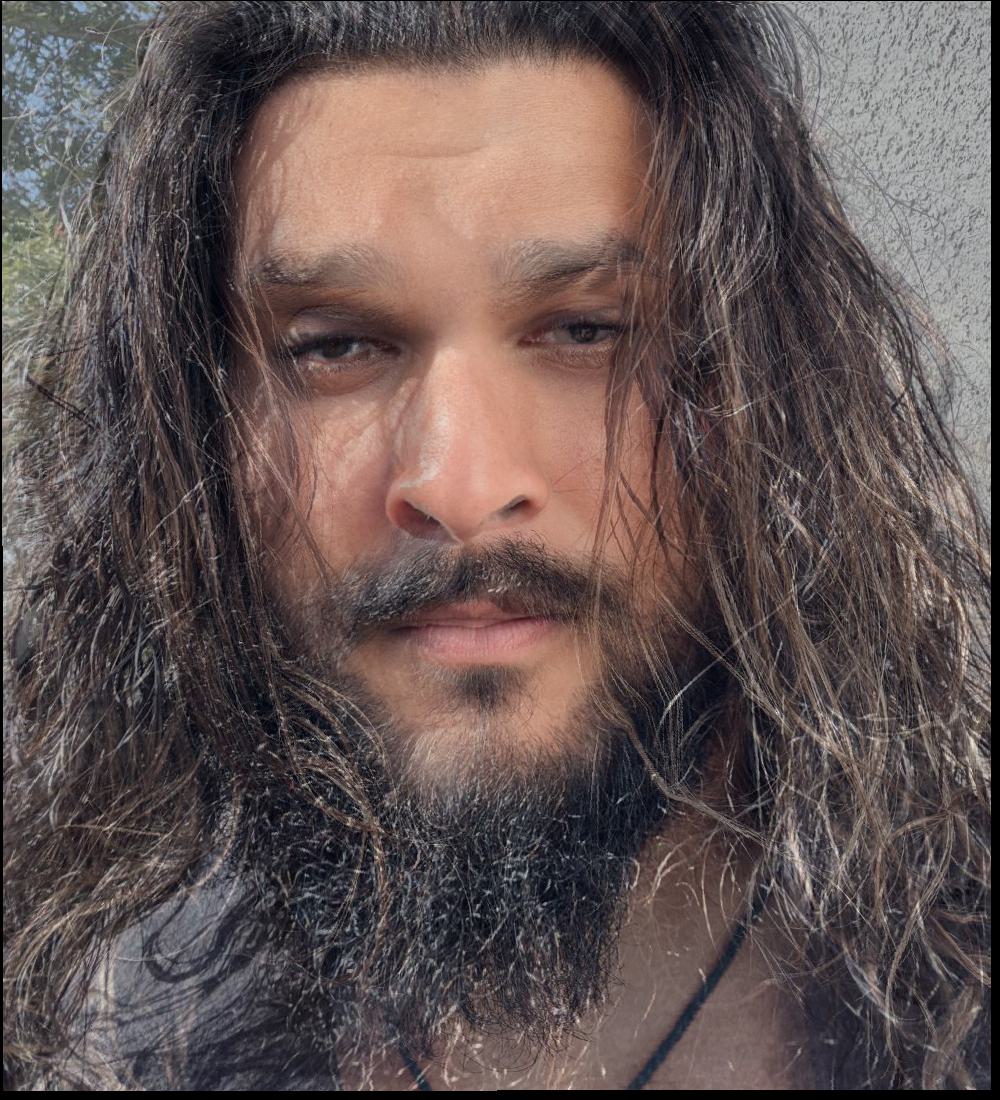
To better understand how the morphing process would look I first computed the midway face of Jason and I
using the following process:
First, I computed the average shape of Jason and I by taking the mean of the correspondence points of each image.
$$average\_shape = 0.5 * img1\_pts + 0.5 * img2\_pts$$
Then, I computed the affine transformation matrix A between the triangles in the source and target image to their corresponding
triangle in the average shape. Using inverse warping, we determine the points in our input image that correspond with the points in our
average triangle. Since these points may be non-integer values we use nearest neighbor interpolation to determine the colors from the source and target image.
Finally, we cross dissolve by averaging the colors from the source and target images.
Here are the results below:
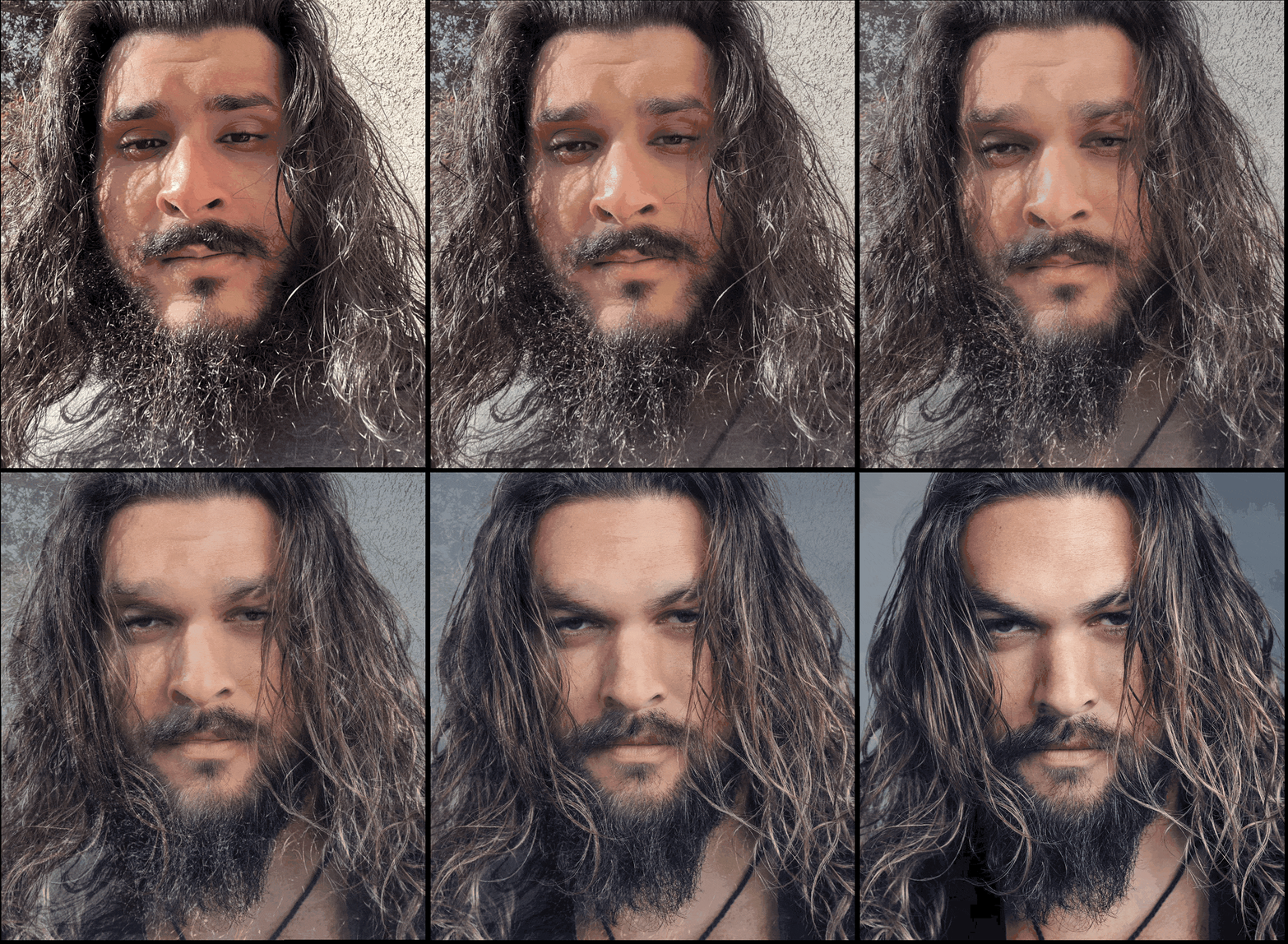
In order to create a full morph sequence from the source image to the target image, we apply the same process we did
for the midway face. However, we create many intermediate frames. We use a weighted average with weights ranging
from 0 to 1 inclusive that are gradually adjusted frame by frame to control our shape warping and cross-dissolve.
To create my sequence I used 45 frames displayed at 30 FPS. Here are the results:
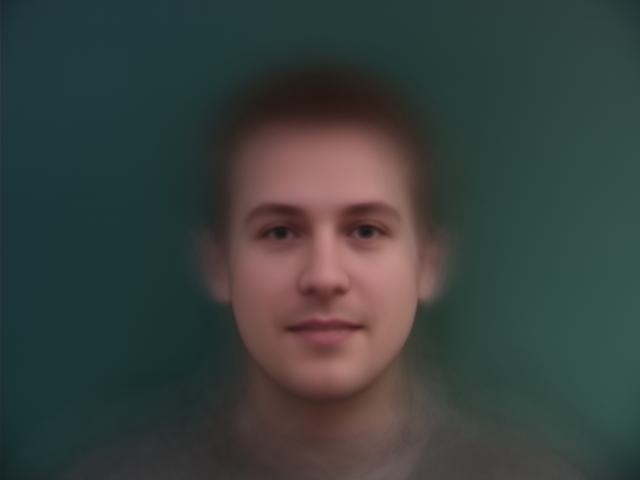
To determine the mean face of a population we first compute the average corresponding point locations within the dataset.
Then, we warp each sample in the dataset into the average shape. Finally, we then take the average of all these warped images
to get our "mean face".
I did this for the Danes dataset.
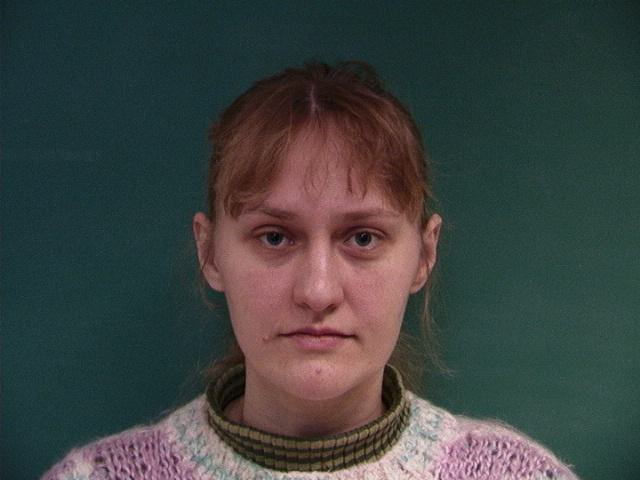
I parsed the .asf files in the dataset to extract the correspondences and determined the average face shape. Here are some of the
Danish images warped to the average Dane face shape.
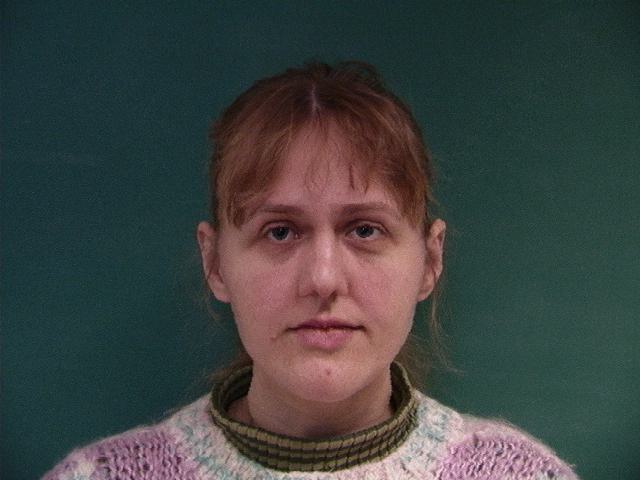
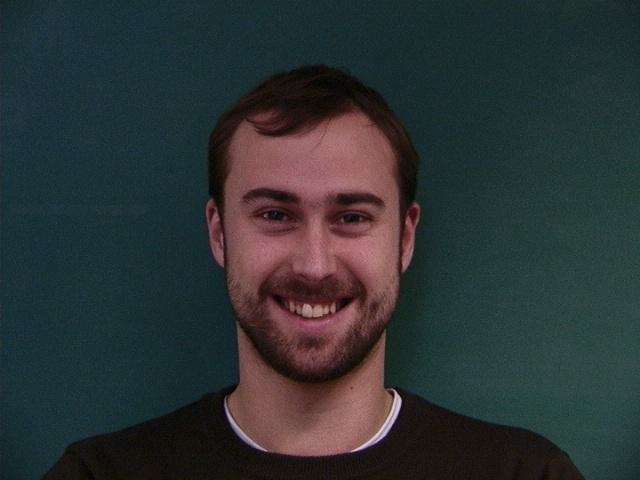
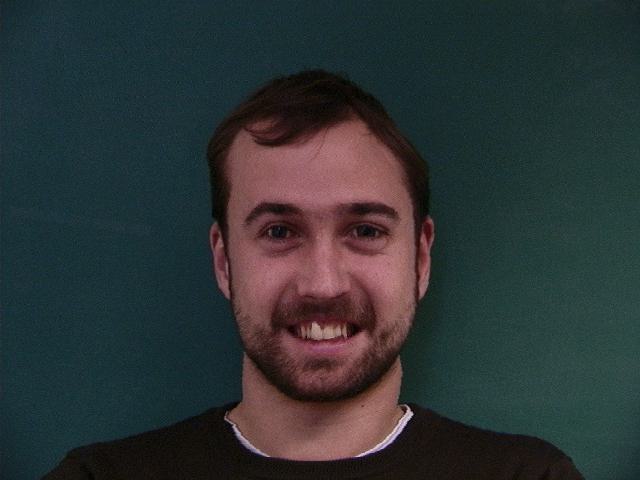
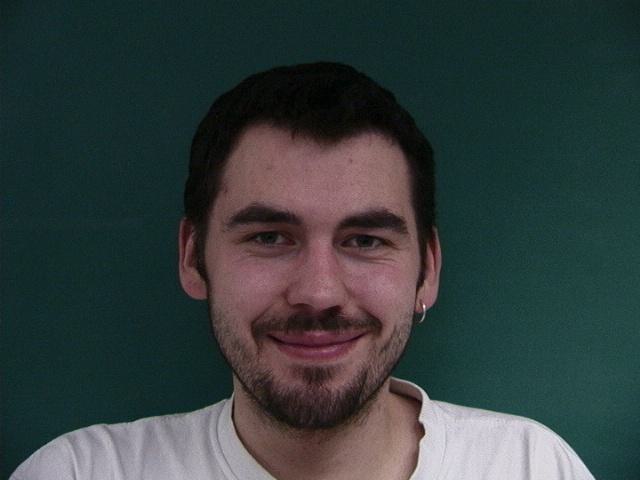
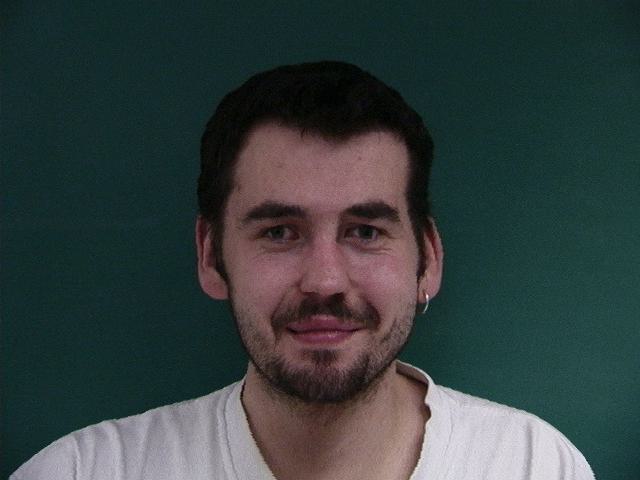
After doing this for all the images in the dataset and then averaging, we determine the "mean face" for the Danes is this:
Now let's morph my face into average geometry for the Danes.
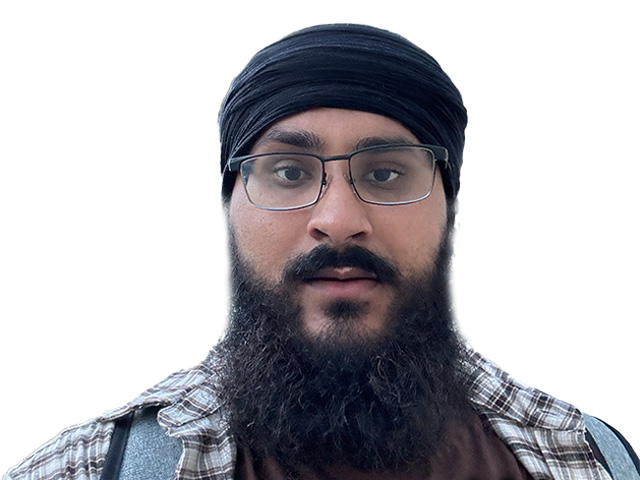
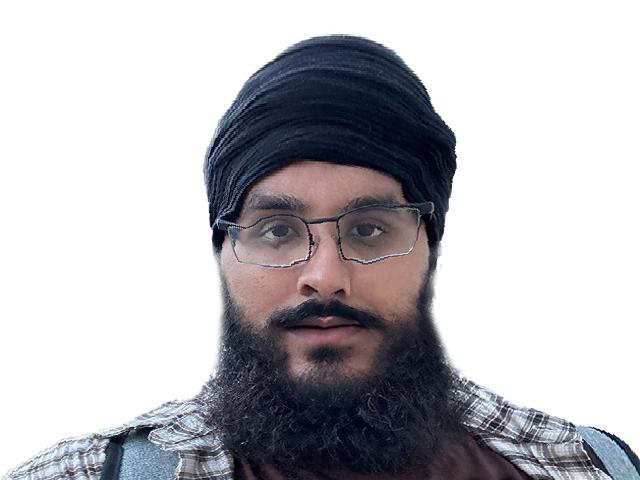
Now let's morph the average Danish face warped into my geometry.

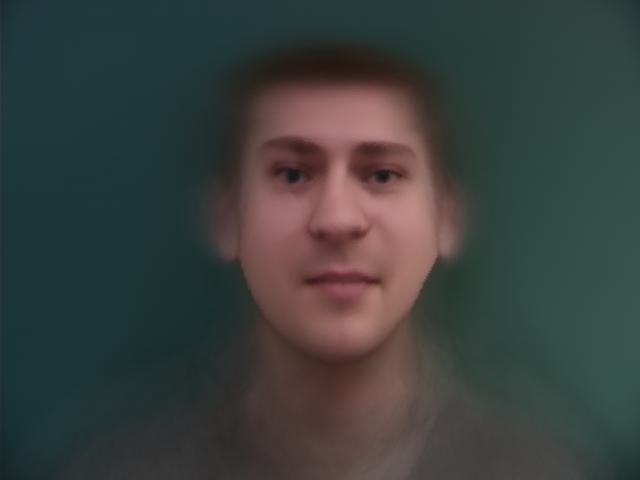
By extrapolating from the population mean calculated in the previous part we can create
caricatures of my face. We can take the difference between the population mean and my face
and amplify them using a parameter, \(\alpha\).
Below are some examples:
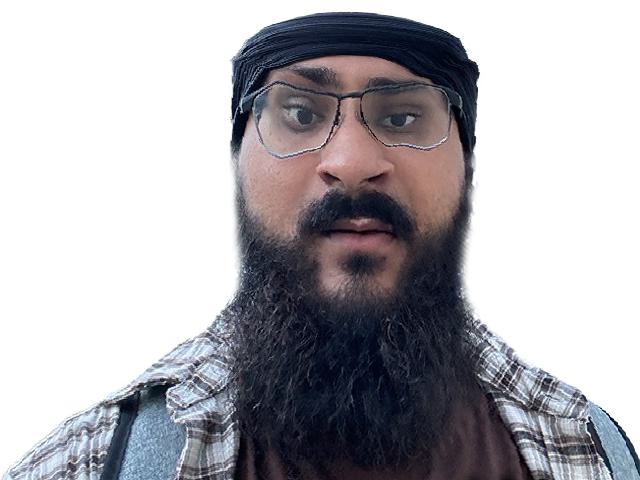
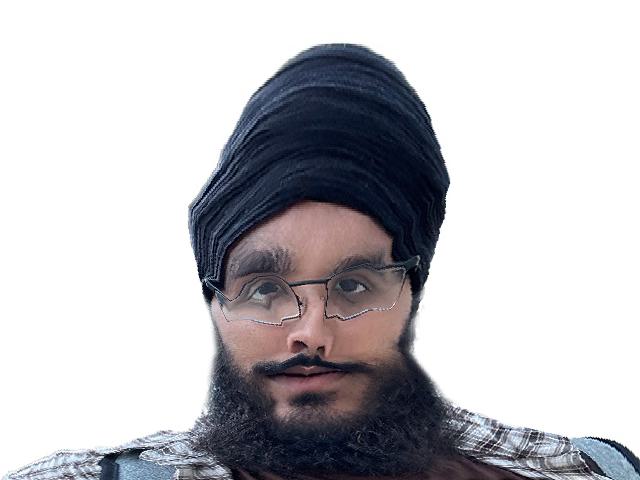
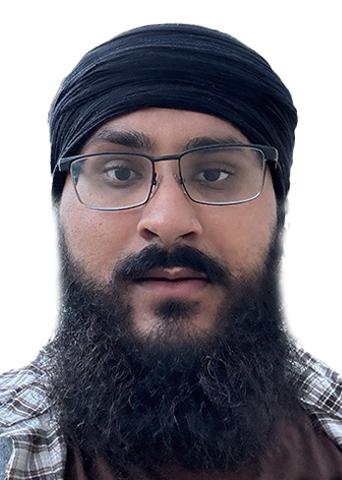
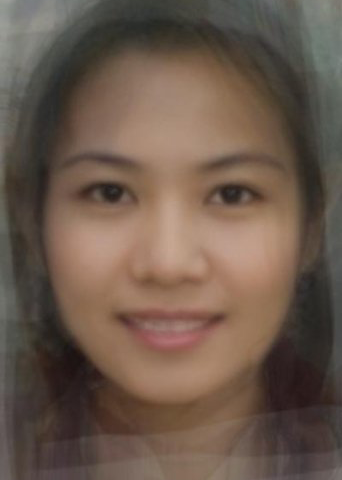
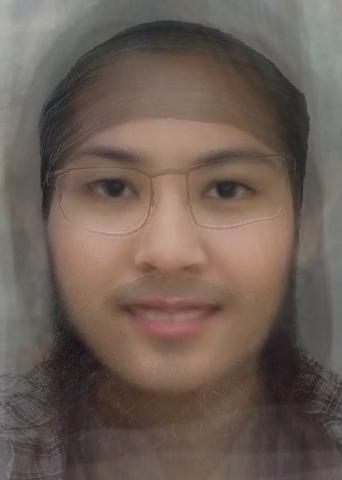
For this part I changed my ethnicity and gender using the average Thai female
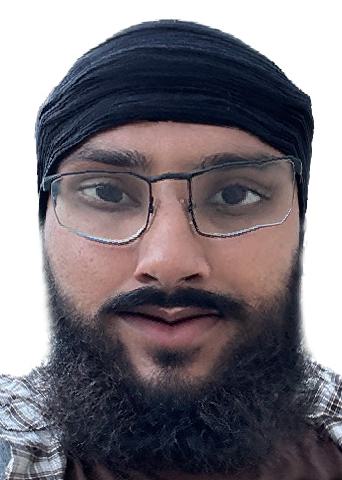
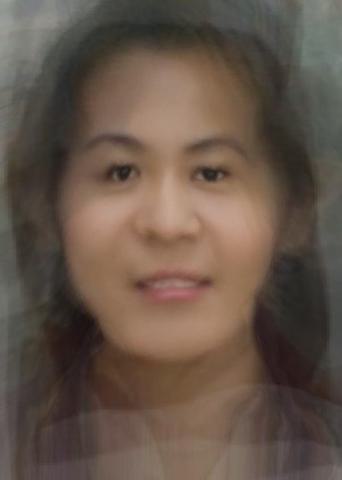
face. After resizing the images I selected correspondence points for two images. Below I morph the shape only, the appearance only, and then finally both.
Because of the turban and beard the morph wasn't the best, however, I found it funny and roughly a success given the circumstances.
Below are the results: