Suppose we have an input image \(I\) and the following finite difference operators \(D_x\) and \(D_y\) : $$D_x = [1, -1]$$ $$D_y = \begin{bmatrix} 1 \\ -1 \end{bmatrix}$$
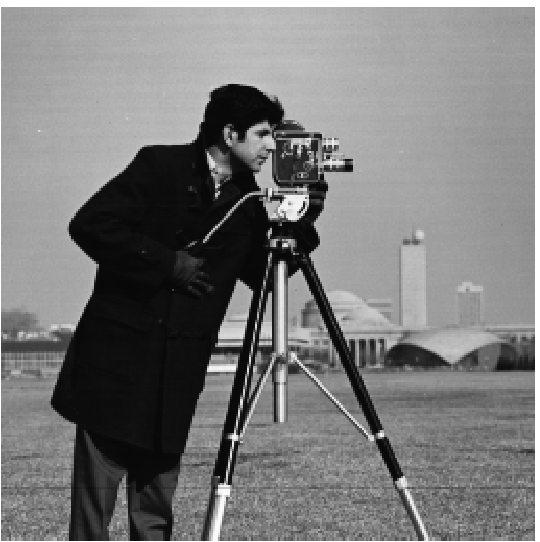
Convolving \(I\) with \(D_x\) will give us the partial derivative with respect to x, showing us the vertical edges. Convolving \(I\) with \(D_y\) will give us the partial derivative with respect to y, showing us the horizontal edges.
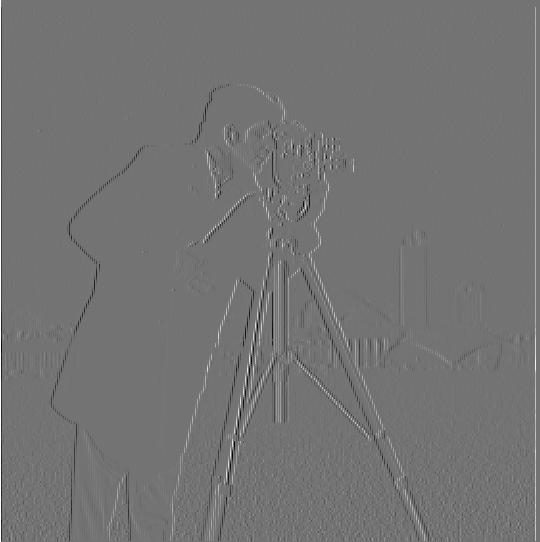
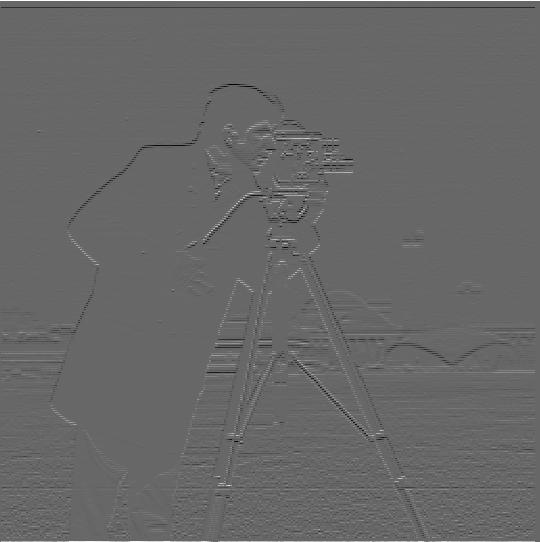
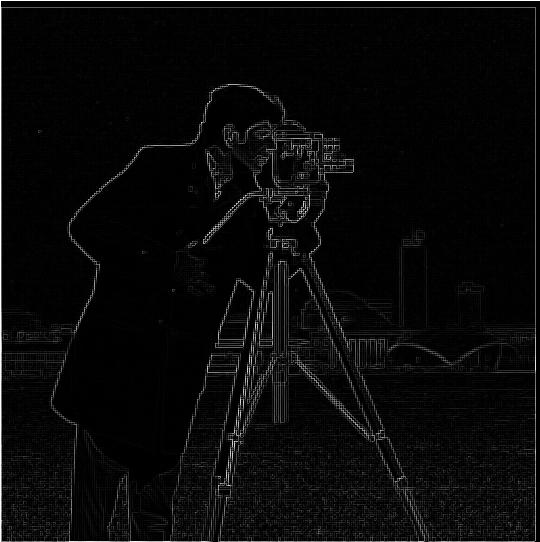
Now that we have \(\frac{\partial I}{\partial x}\) and \(\frac{\partial I}{\partial y}\) we can compute the gradient magnitude image \(G\) as follows:
$$G = \sqrt{\left(\frac{\partial I}{\partial x}\right)^2 + \left(\frac{\partial I}{\partial y}\right)^2}$$
We can then apply a threshold on the pixel intensities to binarize \(G\) by setting all the pixels greater than our threshold to 1, and the rest of the pixels to 0.
Here are the final results using a threshold of 0.25:
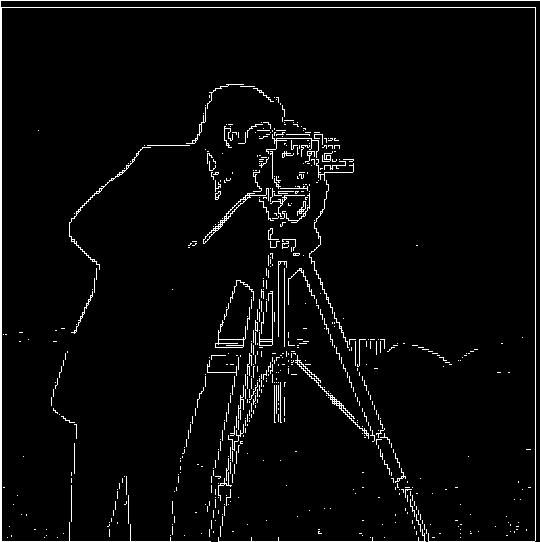
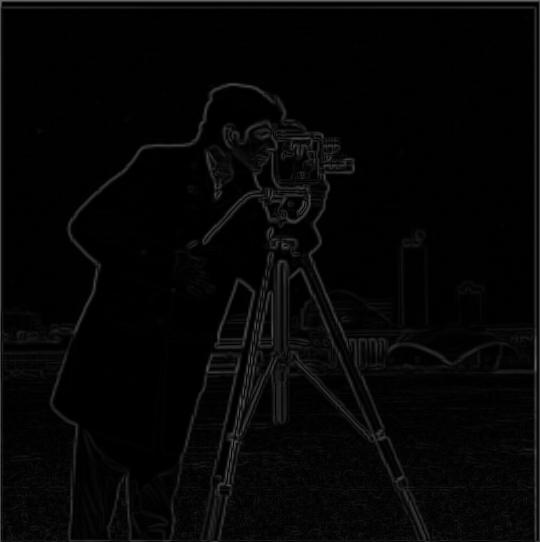
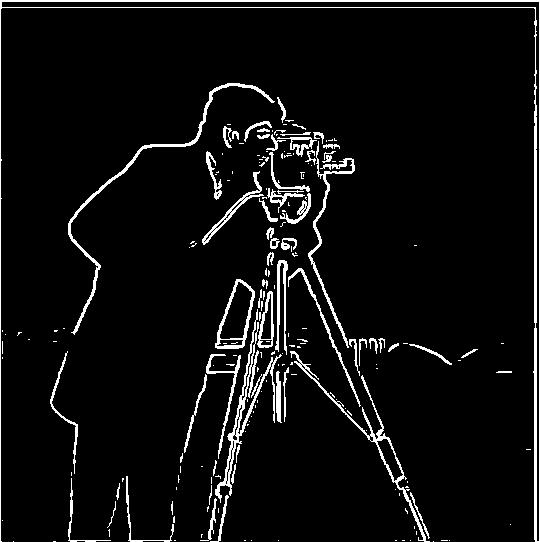
Using just the difference operator can lead to noisy results. We can apply a Gaussian filter, as a smooth operation. After generating a blurred version of the original image we can repeat our procedure above to regenerate the edge image. However, to binarize this edge image with a threshold of 0.1.

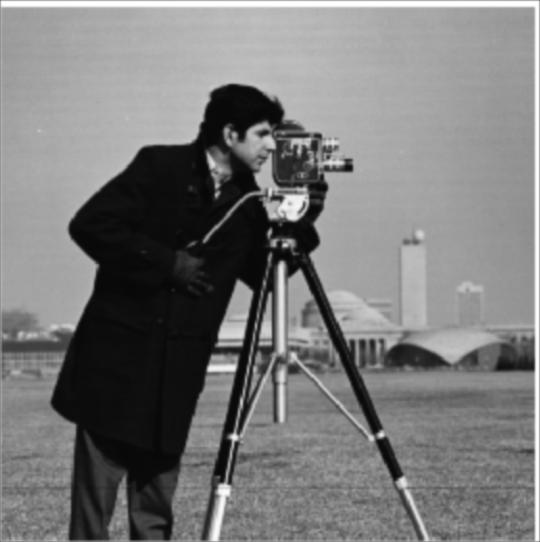
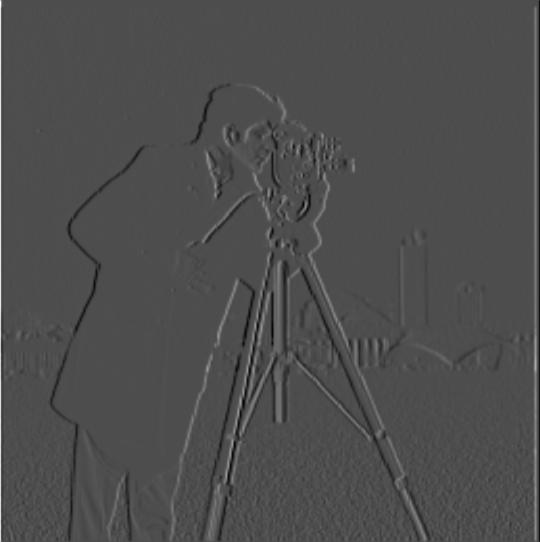
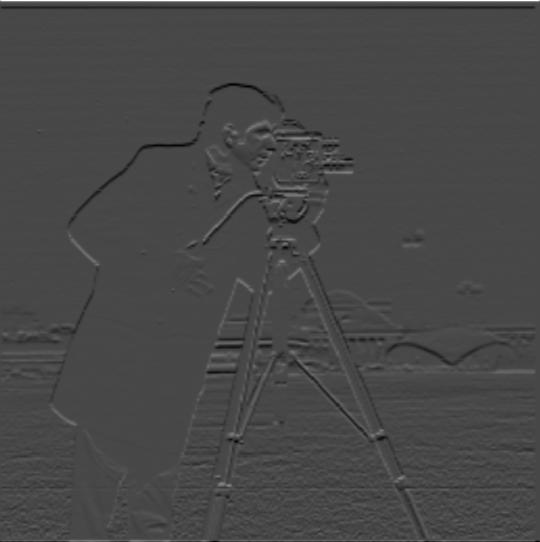
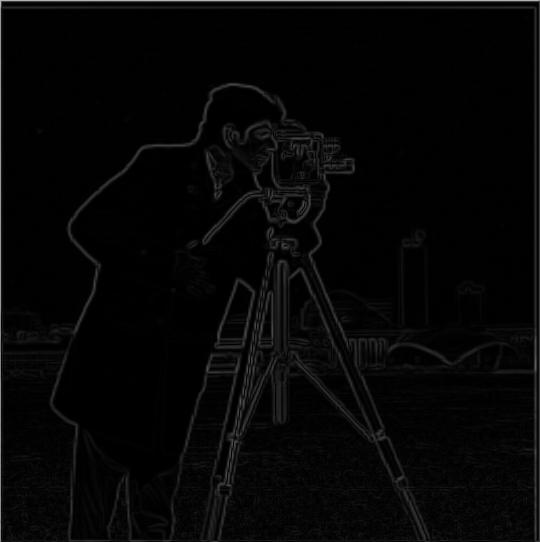
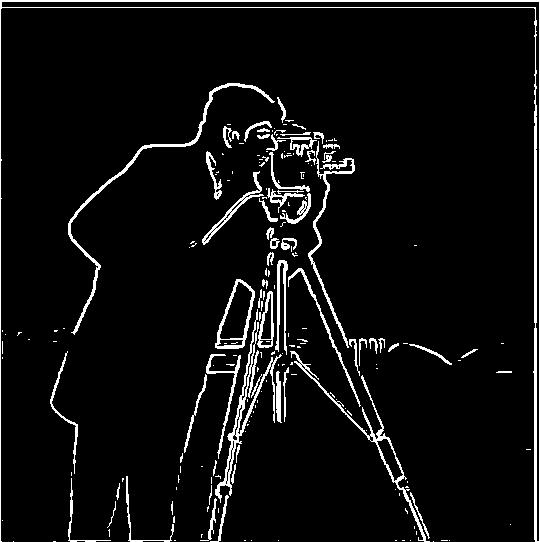
There are noticeable differences between the binarized image when using the Gaussian filter compared to just the finite difference operator. We were to have a smoother image with less noise throughout the image, especially at the bottom. Furthermore, we also have thicker, smoother edges.
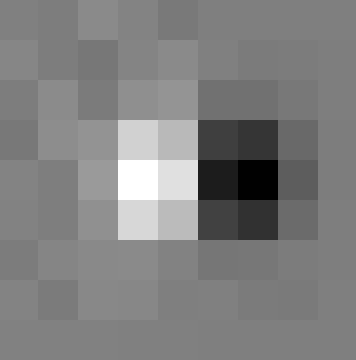
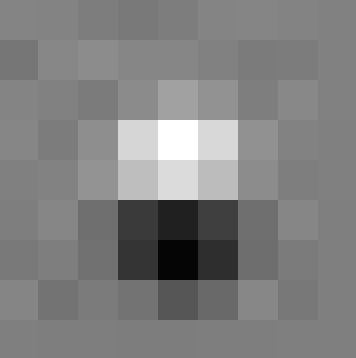
We can also get the same result if we convolve our Gaussian with \(D_x\) and \(D_y\). This will give us \(DoG_x\) and \(DoG_y\). We can then convolve \(I\) with \(DoG_x\) and \(DoG_y\) to get \(\frac{\partial I}{\partial x}\) and \(\frac{\partial I}{\partial y}\). Consequently, giving us the same gradient magnitude and edge images.
We can "sharpen" images by using the Gaussian filter to act as a low pass filter that only retains the low frequencies in an image. We then subtract this blurred version from the original image to get the high frequencies of an image. We can add these high frequencies with some scaling factor, \(\alpha\), to make the image appear sharper with stronger high frequencies.
Let \(G\) be our Gaussian filter, \(I\) be our original image, and \(S\) be our "sharpened" image. The procedure is as follows: $$S = I + \alpha(I - I * G)$$
We can condense this into a single convolution operation by creating the unsharp mask filter. Let \(e\) be our unit impulse kernel, which is the same size as our Gaussian kernel with 1 in the center and 0s everywhere else.
The unsharp mask filter, \(U\), is written as follows: $$U = (1 + \alpha)e - \alpha G$$
Therefore, $$S = I * U$$
Let's examine how effective this filter is in sharpening a sharp image that's been blurred.
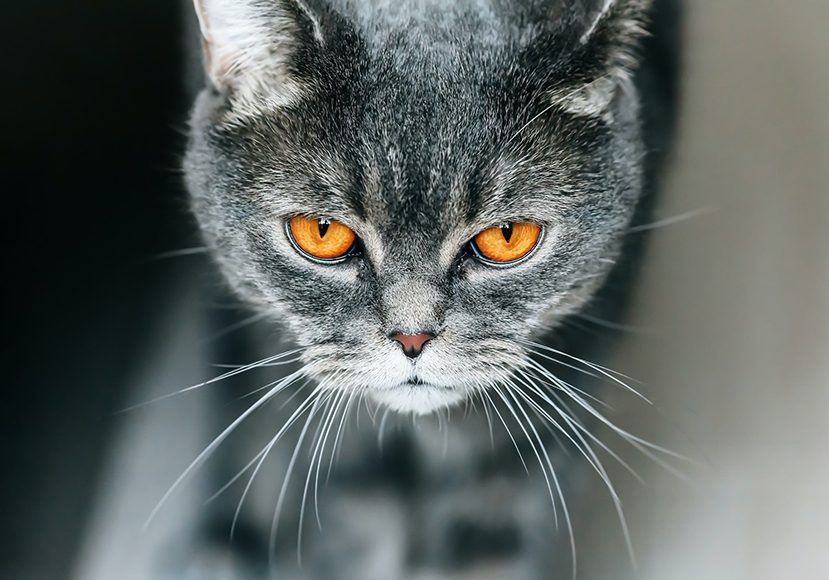
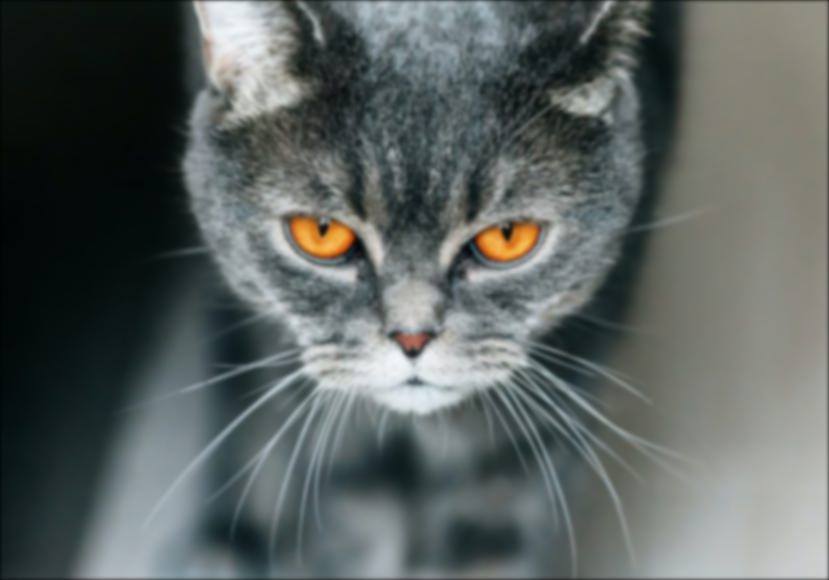
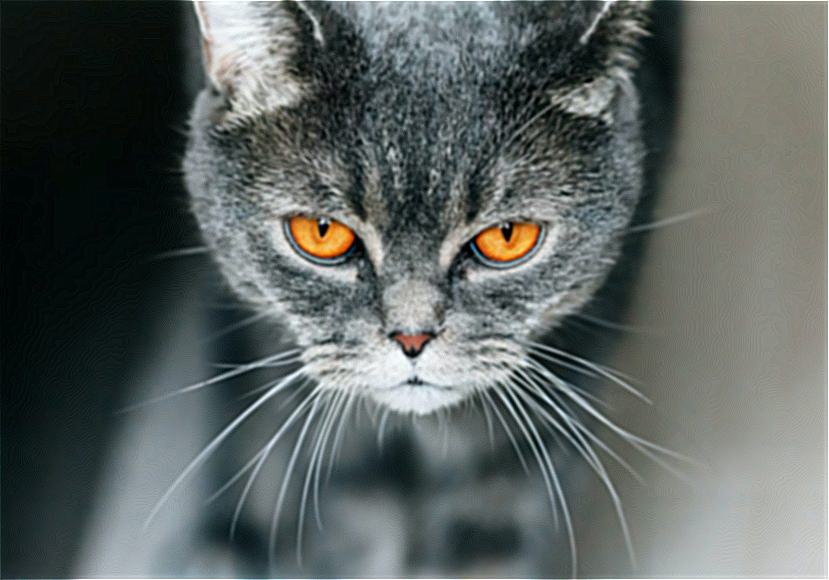
We see that the unsharp filter mask is very effective at sharpening the edges like the whiskers to make the blurred cat seem like the sharp cat. But it fails to fully sharpen some of the finer details like the fur on the cat's forehead.
Hybrid images are static images that viewers' interpretation of change depending on their viewing distance. We can extract the high frequencies in one image using high pass filter and the low frequencies of other using a low pass filter (Gaussian filter). Once we have these frequencies, we can take the average of these two filtered images to create our hybrid image.
Viewing the hybrid image from close by will display the image we applied the high pass filter on, whereas further away we will perceive the image we applied the low pass filter on.
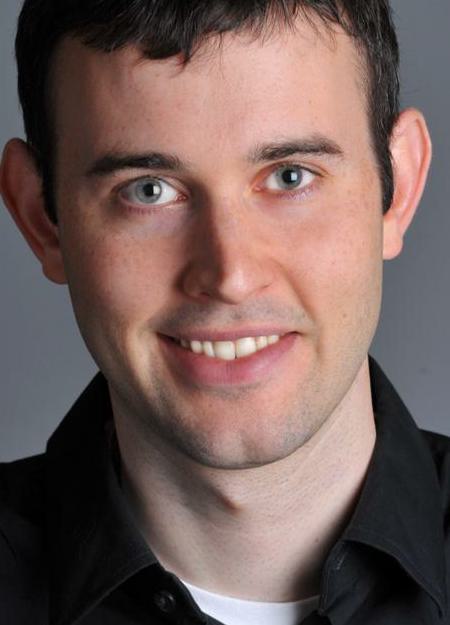
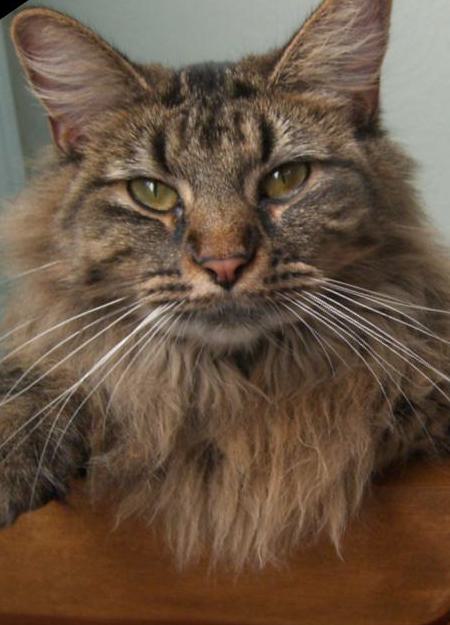
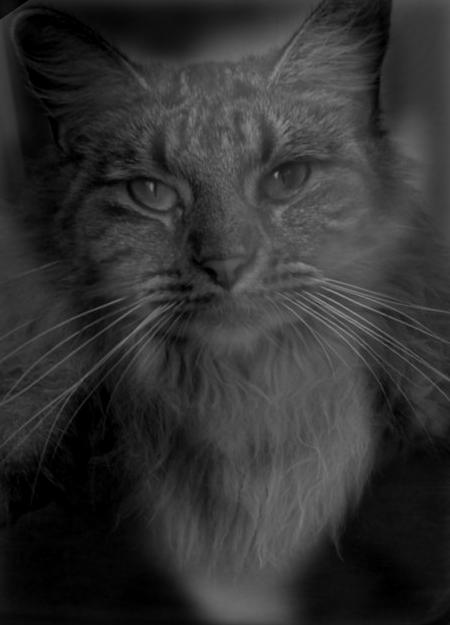
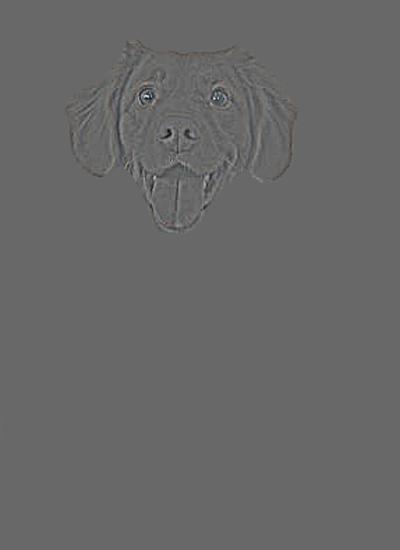
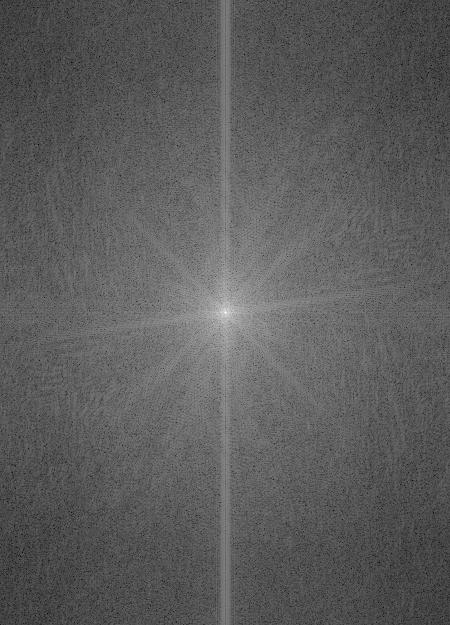
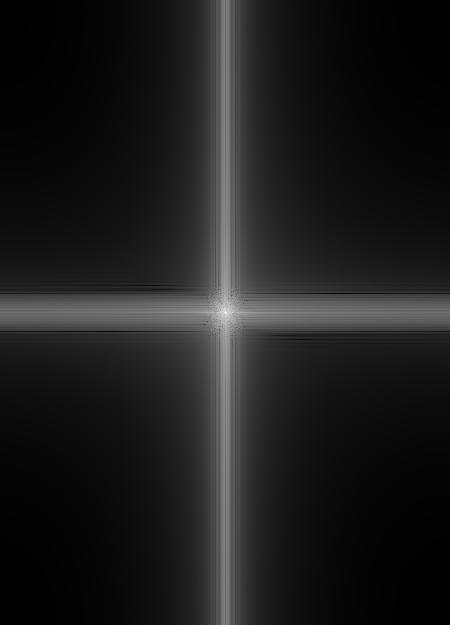
Below is the frequency analysis of the Derek-Nutmeg hybrid process using Fourier transforms. These transforms were applied on the original input images, filtered images, and the resulting hybrid image.
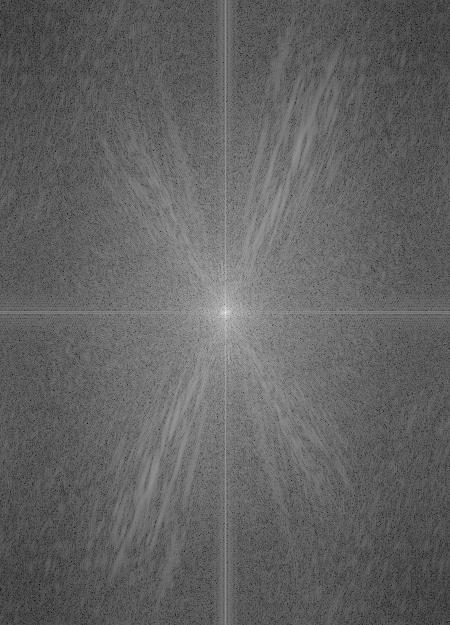
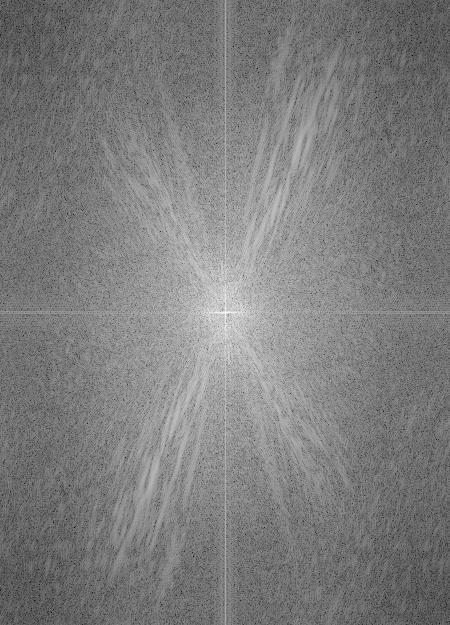
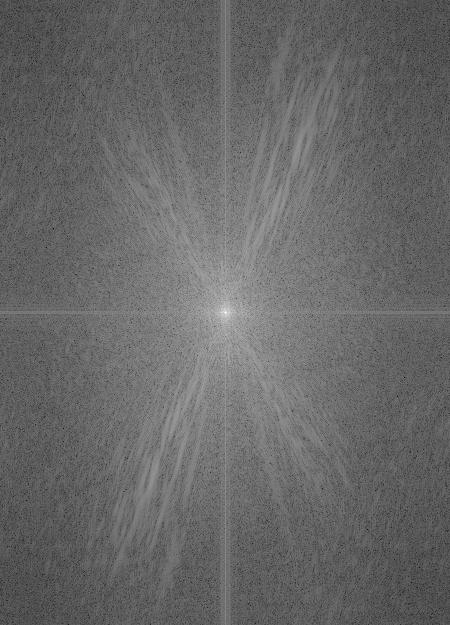
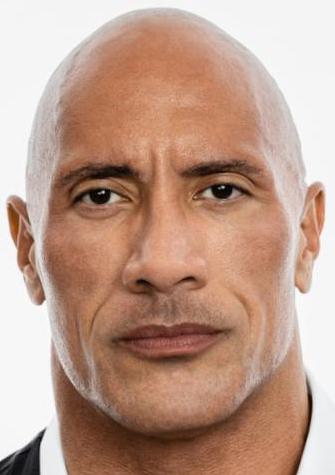
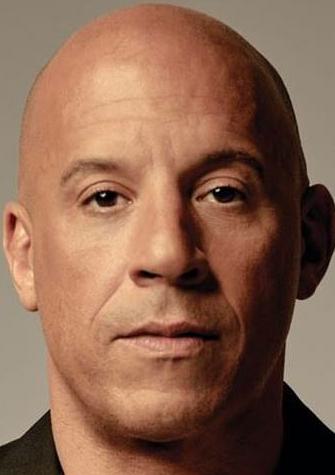
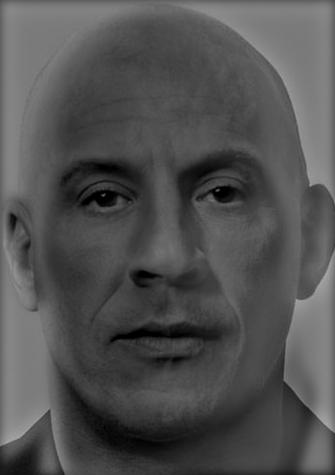
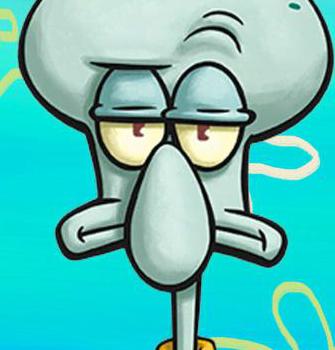
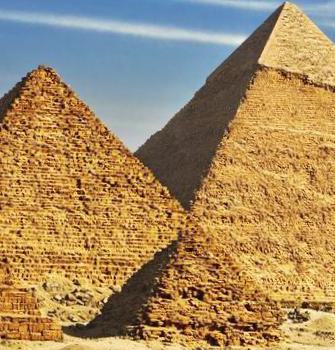
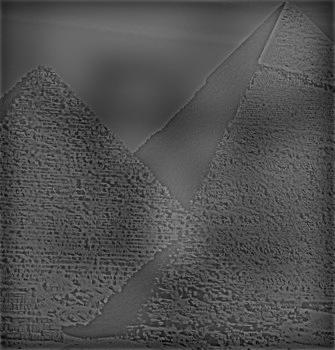
We see the hybrid of Squidward and the pyramids proves to be less seamless than the hybrid of the Rock and Vin Diesel. This is because finding reasonable alignment points with the pyramids and Squidward is difficult due to the differing shapes and sizes. We also see the high frequencies from the pyramids bricks are hard to reconcile with the thick strokes that compose Squidward's face. We have to apply significant blurring to Squidward to get a somewhat reasonable result, but ulimately makes the Squidward unrecognizable at large distances. However, as the low frequency image it should be visible.
To blend images together we can leverage Gaussian and Laplacian stacks. To construct a Gaussian stack, we apply a Gaussian filter to an input image. As we increase the number of levels within the stack, we increase the \(\sigma\) to create a coarser image. At each level, the size of the image remains the same. For my implementation, I scaled the \(\sigma\) by 2 after each level.
A Laplacian stack is computed by taking the difference between the current level of the Gaussian stack and previous level. The last image on the Laplacian stack is the same as the last image of the Gaussian stack.
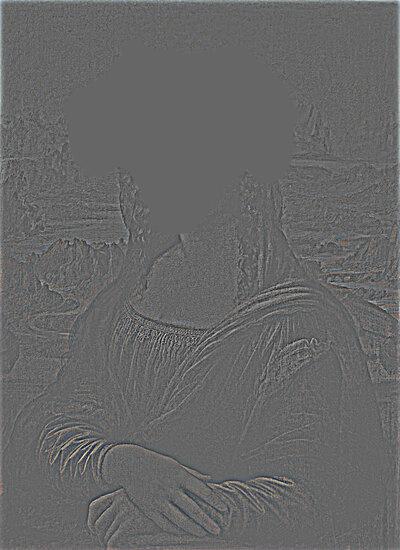
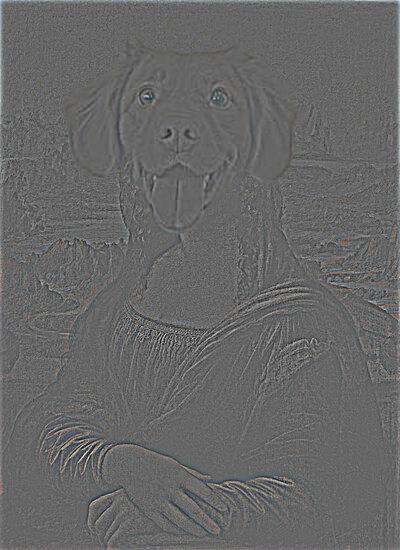
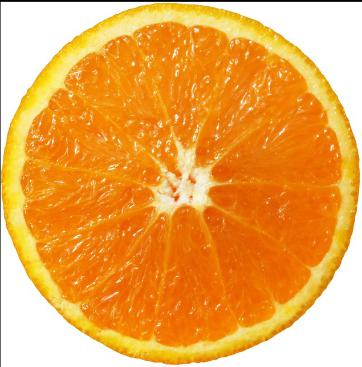
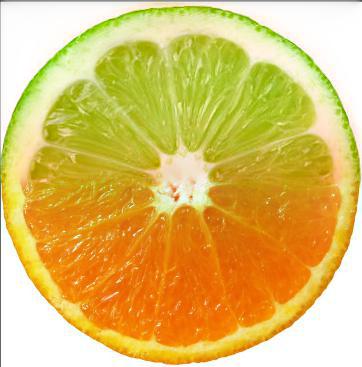
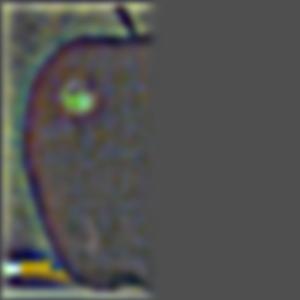
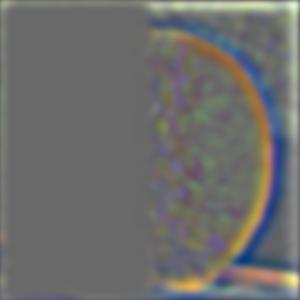
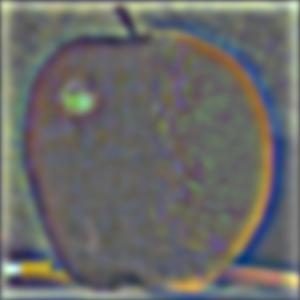
Below is a visualization of the Laplacian stack for the oraple image.
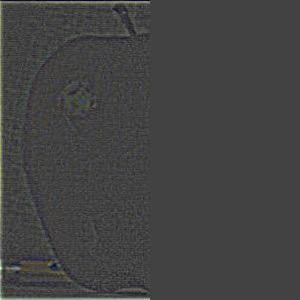
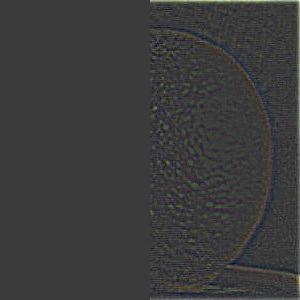
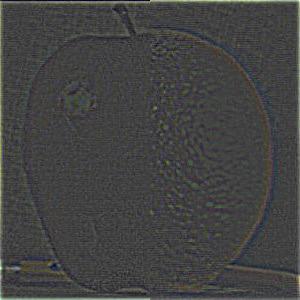
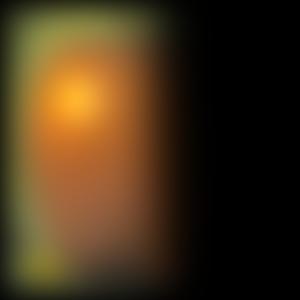
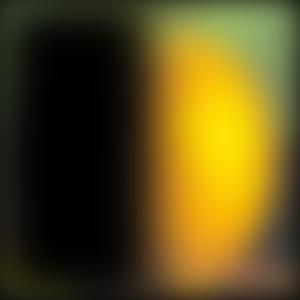
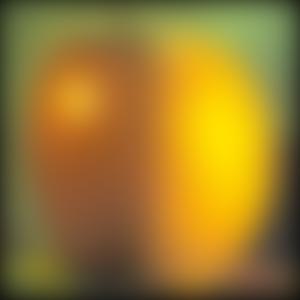
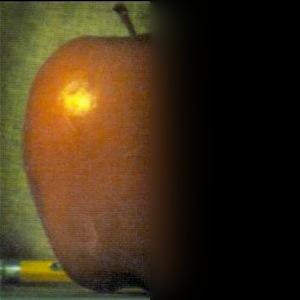
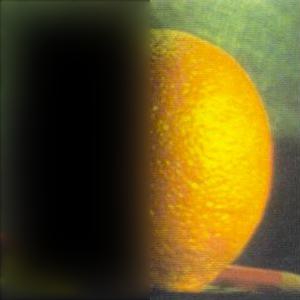
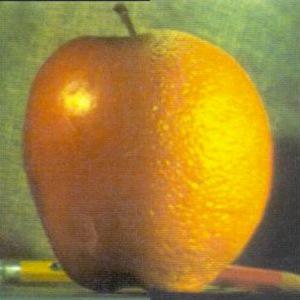
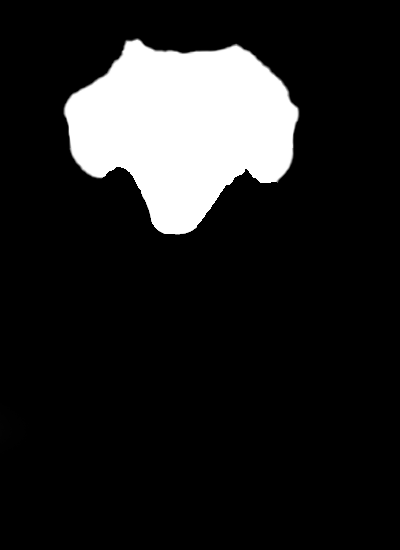
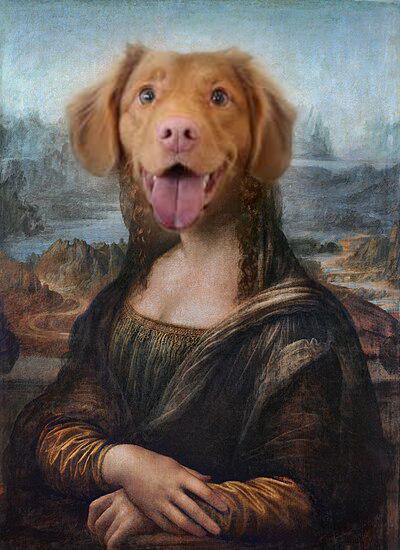
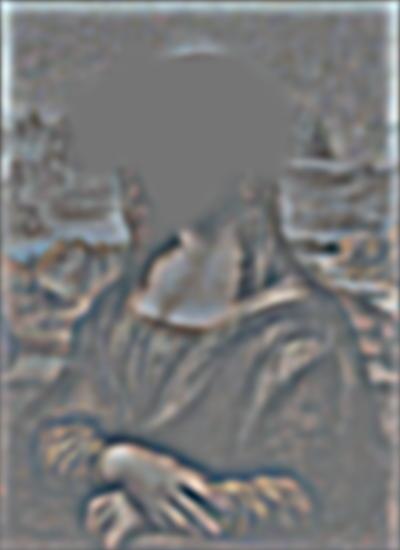
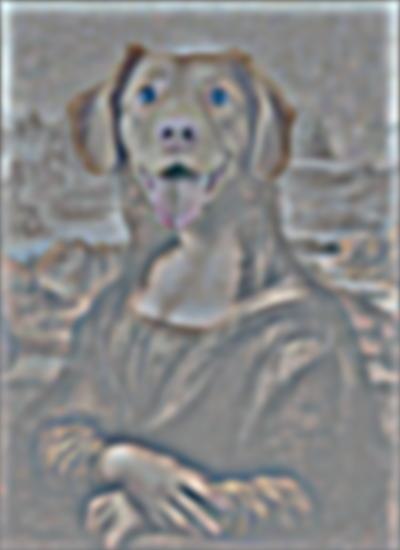
Suppose we have two images \(A\) and \(B\). To blend them using some mask \(M\) we can leverage multiresolution blending. We can compute the Laplacian stack of each input image, \(LA\) and \(LB\). After that, we compute a Gaussian stack for the mask, \(GM\). For each level, we compute a combined Laplacian stack as follows: $$LS_l(i, j) = GM_l(i, j) LA_l(i, j) + (1 - GM_l(i,j)) LB_l(i, j)$$ To get our blended image, we collapse the combined Laplacian stack.
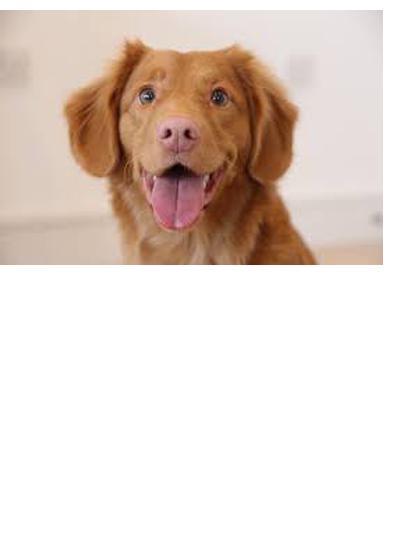
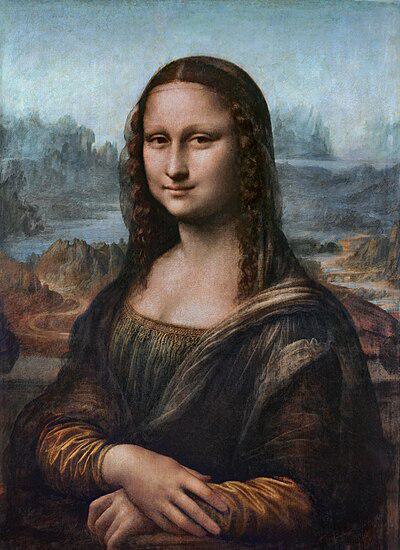
Below are the some examples of multiresolution blending using the procedure above.